


Reporting in rehabilitation
Generate detailed, structured reports on client progress — tailored for clinicians, legal teams, and the broader interdisciplinary team.
Reporting in Rehabilitation
Reporting is a vital component of the rehabilitation process, providing structured, detailed information on a client's progress, challenges, and achievements. Well-structured reports serve as the foundation for planning future interventions and tracking long-term outcomes.
IDT Alignment
Reports serve as the central tool for inter-disciplinary team meetings, ensuring every team member is aligned on the client's status and the steps needed for ongoing intervention.
Multiple Audiences
Reports are tailored to a range of audiences — from the client and their family to legal teams, case managers, and the broader IDT — each receiving the level of detail relevant to them.
Collaborative Care
By highlighting key areas of focus across disciplines, reports facilitate coordination and ensure all team members are working toward common goals throughout the rehabilitation journey.
Transparency & Accountability
Effective reporting supports decision-making, promotes accountability, and provides objective evidence of the rehabilitation process — critical in both clinical and medico-legal contexts.
The Kompass Reporting Wizard
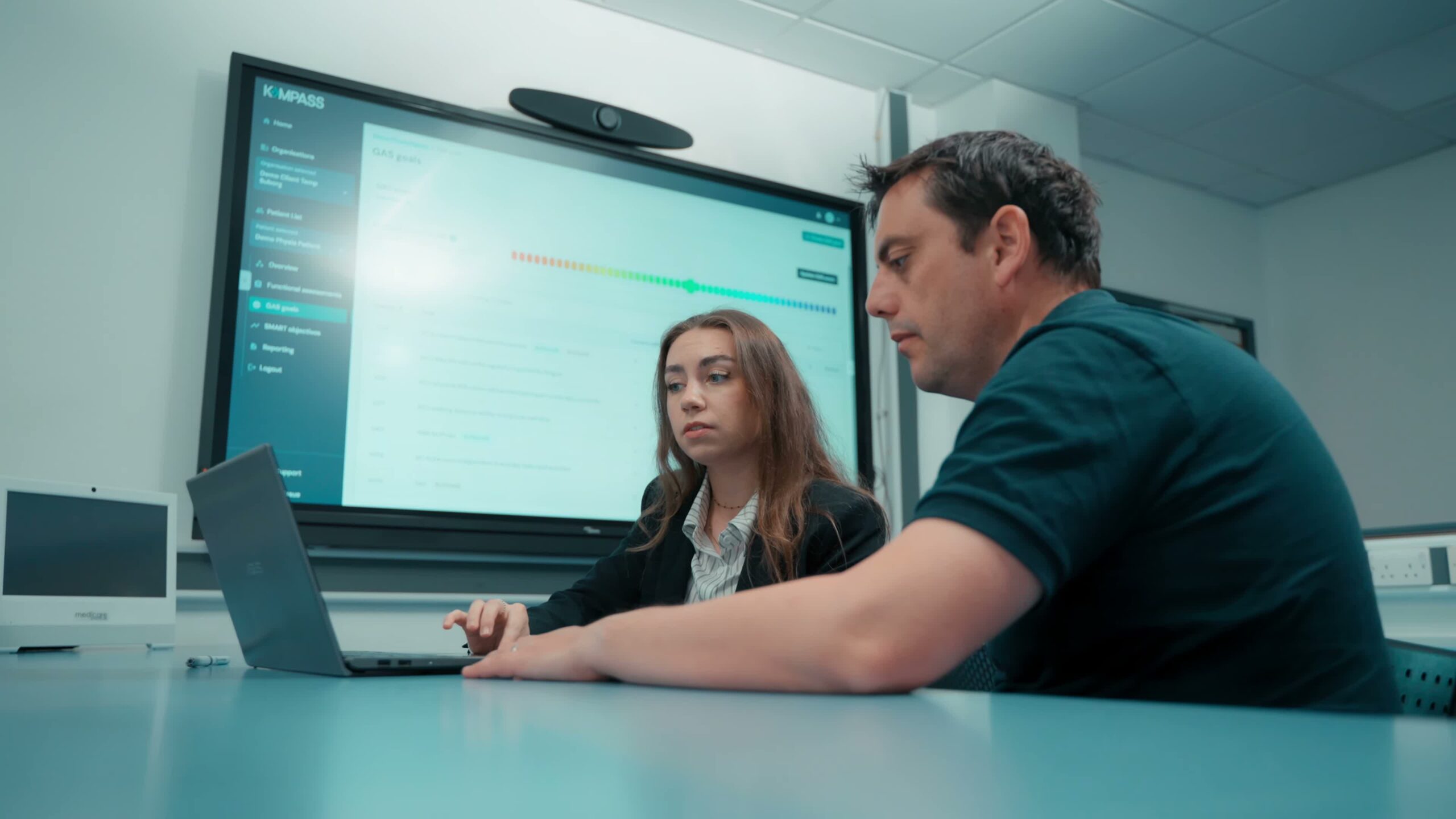
The Kompass reporting wizard is a powerful, fully configurable tool designed to streamline report creation — saving valuable time for clinicians and teams. By pulling all relevant data directly from the platform, the wizard eliminates manual file-sifting and produces detailed, professional outputs tailored to every situation.
Whether the report is for MDT meetings, legal teams, or the client themselves — the wizard ensures every output is detailed, tailored, and professional.
What you can configure
- Define a custom date range for the reporting period
- Select specific ICF domains to include in the report
- Choose which comments and notes to highlight
- Focus on particular goals and objectives
- Generate GAS progress charts with visual tracking
- Automatically pulls all data directly from the platform
Getting Started with Reporting
Generating a report in Kompass takes minutes. The wizard guides you through each step, pulling data automatically so you can focus on the insights rather than the admin.
- 1
Choose the Client
Select the specific client whose progress you wish to document. This ensures the report is personalised and includes data tailored to their rehabilitation journey.
- 2
Select the Reporting Tab
Navigate to the reporting section within Kompass to access all available reporting tools. This tab is the central hub for managing report generation and customisation.
- 3
Choose the Date Range
Specify the reporting period to capture the most relevant data and provide a comprehensive view of the client's progress over time.
- 4
Update GAS Scores
Ensure the client's Goal Attainment Scaling scores are current and accurately reflect their progress — crucial for generating meaningful outcome insights.
- 5
Select ICF Domains
Choose the ICF domains relevant to the client's rehabilitation plan. Including specific components ensures the report aligns with their functional needs and goals.
Steps to Effective Rehabilitation
- 1
Functional Assessment
Conduct a standardised ICF assessment using condition-specific core sets to establish the patient's baseline functional status.
- 2
Identify Problems
Review the scored ICF codes to surface the functional problems most relevant to the patient's rehabilitation needs.
- 3
Goal Setting
Set patient-centred rehabilitation goals that are specific, measurable, and directly tied to identified ICF problems.
- 4
Objective Setting
Break goals into short-term objectives and actionable steps that guide the day-to-day rehabilitation plan.
- 5
Reporting
Generate structured outcome reports from ICF reassessment data to evidence progress, support handovers, and inform future care planning.